
Mobile App for the 2026 Digital Shelf Summit
Once you have registered for the event, download the Digital Shelf Summit mobile app to manage your schedule, get real-time updates, and stay connected throughout the event.
With the app, you can:
- Get real-time updates and important event announcements
- Build and manage your personalized agenda
- Explore sessions, speakers, and key event content
- Access essential event details anytime, anywhere
- Create your event profile and connect with fellow attendees
Whether you’re planning ahead or navigating the day-of, the app keeps you organized, informed, and fully engaged so you won’t miss a thing.
Scan the QR code to get the app:
The mobile app is available for event registrants only.
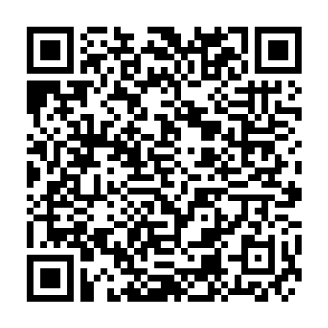
Follow the Instructions to Download the App:
- Open the App Store or Google Play Store.
- Search for the Cvent Events app.
- Download and open the app.
- Search for the event “2026 Digital Shelf Summit.”
- Log in using your first name, last name, and registered email address.
- Enter the verification code sent to your registered email address.
* If you are unable to login please make sure you are reigstered to the event. If not registered please visit the event website.